


DisplayPort works exceptionally well over short distances, but once cable length increases, signal integrity becomes a real concern. If you're building a gaming setup, control room, editing suite, simulator, or digital signage system, understanding DisplayPort distance limitations can save hours of troubleshooting.
How Far Can a DisplayPort Cable Run?
The practical distance depends on the cable type and resolution being transmitted.
| Cable Type | Typical Distance |
|---|---|
| Passive Copper DisplayPort | 6–15 ft (2–5 m) for highest resolutions |
| Active Copper DisplayPort | Up to 50 ft (15 m) depending on bandwidth |
| Fiber Optic DisplayPort | Up to 984 ft (300 m) or more |
Higher resolutions require more bandwidth, which makes long-distance transmission more challenging.
For example:
- 1080p often works over longer copper runs.
- 4K requires higher-quality cabling.
- 8K pushes copper cables to their limits.
- Long fiber solutions can maintain full performance over hundreds of feet.
Why Does DisplayPort Signal Degrade Over Distance?
DisplayPort transmits large amounts of data at very high speeds.
As cable length increases, the signal weakens due to:
- Electrical resistance
- Signal attenuation
- Electromagnetic interference (EMI)
- Connector losses
Common symptoms include:
- Flickering displays
- Random black screens
- Display detection issues
- Lower-than-expected refresh rates
- HDR not functioning properly
Many users initially blame the monitor or GPU when the cable is actually the limiting factor.
Do I Need an Active DisplayPort Cable?
For short runs, no.
For medium-distance runs, an active cable may help.
Active DisplayPort cables contain signal-conditioning electronics that help maintain signal quality over longer distances than passive copper cables.
They are commonly used when:
- The display is located across a room
- Equipment racks are separated from displays
- Longer cable runs are required without moving hardware
However, active copper solutions still have practical distance limitations.
DisplayPort Over Fiber vs Copper
When distance becomes a major factor, fiber optic transmission offers significant advantages.
Copper DisplayPort
Pros:
- Lower cost
- Simple installation
- No optical conversion
Cons:
- Distance limitations
- More susceptible to interference
- Heavier cable bundles for long runs
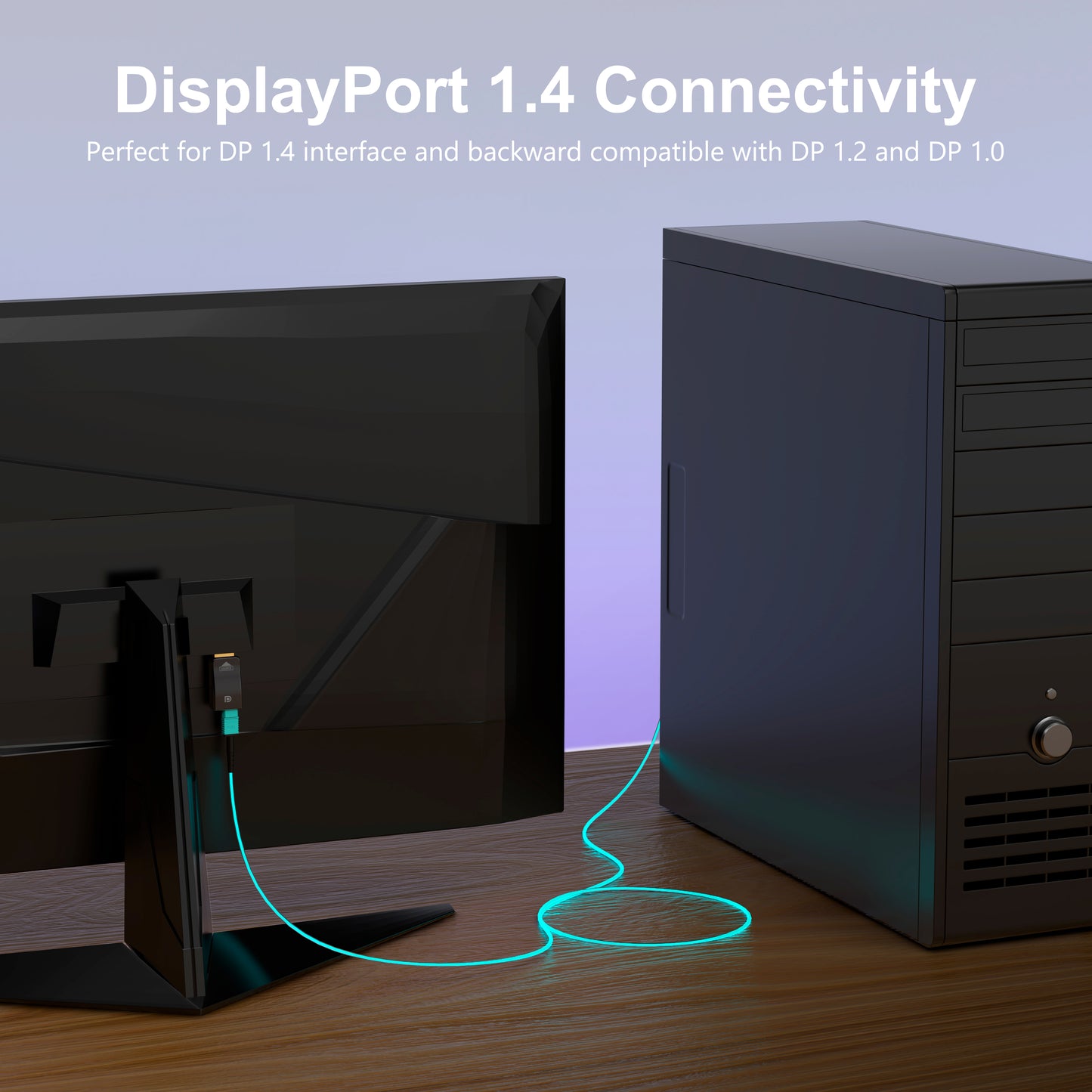
Fiber Optic DisplayPort
Pros:
- Extremely long transmission distances
- Immune to electromagnetic interference
- Smaller and lighter cable diameter
- Better suited for conduit installations
Cons:
- Higher initial cost
- Typically directional
- Requires proper handling during installation
For installations exceeding typical room distances, fiber is often the more reliable long-term solution.
How To Run DisplayPort Through Conduit
Conduit installations introduce additional challenges.
Large DisplayPort connectors can make pulling cables difficult through bends and tight spaces.
When planning a conduit installation:
- Measure the entire pathway.
- Account for bends and pull points.
- Use pull strings where possible.
- Avoid excessive pulling force.
- Verify bend-radius requirements.
Some professional fiber systems use detachable transmitter and receiver modules, allowing installers to pull only the fiber cable through conduit and connect the electronics afterward.
This can significantly simplify installation compared to pulling large connector assemblies through long conduit runs.
Best DisplayPort Cable For Long Distance
The best solution depends on the application.
Home Office
- High-quality passive DisplayPort cable
- Short distances
Gaming Room
- Active copper DisplayPort cable
- Moderate distances
Editing Suites
- Fiber optic DisplayPort
- High refresh rates and HDR workflows
Control Rooms
- Fiber optic DisplayPort
- Equipment separated from display walls
Simulators and Esports Installations
- Fiber optic DisplayPort
- Long-distance, high-bandwidth requirements
A DisplayPort Cable For Professional Installations Runs Up To 984ft (300m)

For installations where the workstation and display are separated by hundreds of feet, Pacroban developed a DisplayPort over MPO Fiber System that transports the full DisplayPort 1.4 signal through optical fiber instead of copper.
Unlike traditional long-run solutions that rely on multiple repeaters or extender boxes, the system uses detachable MPO transmitter and receiver modules connected through fiber optic cabling.
Key specifications include:
- Up to 300m (984ft) transmission distance
- DisplayPort 1.4
- Up to 8K@60Hz
- Up to 4K@144Hz
- HDR support
- HDCP 2.3 compliance
- Detachable MPO TX/RX design for easier conduit installation
The system was designed for control rooms, broadcast facilities, simulation environments, esports installations, conference systems, and other deployments where display distance exceeds the practical limits of copper cabling.